How to search with Mobilizon
Info
Search match:
- for events: with titles, tags and descriptions
- for groups: only with names (for now)
A quick search is available in Search field, in top bar menu:

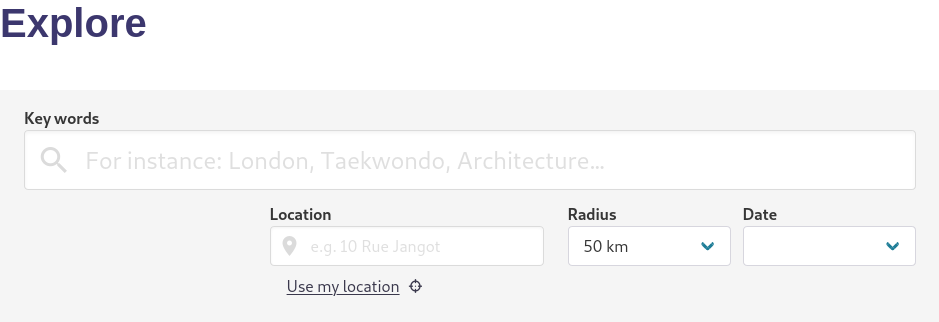
You can go directly to the advanced search by clicking on Explore in the top navigation bar of the site. Options are:
- Key words: tags or words in title or/and description
- Location: to filter events in a specific location
- Radius: to widen the results of the place at a certain distance
- Date: to filter events according to when they take place (not available for group search)
Example
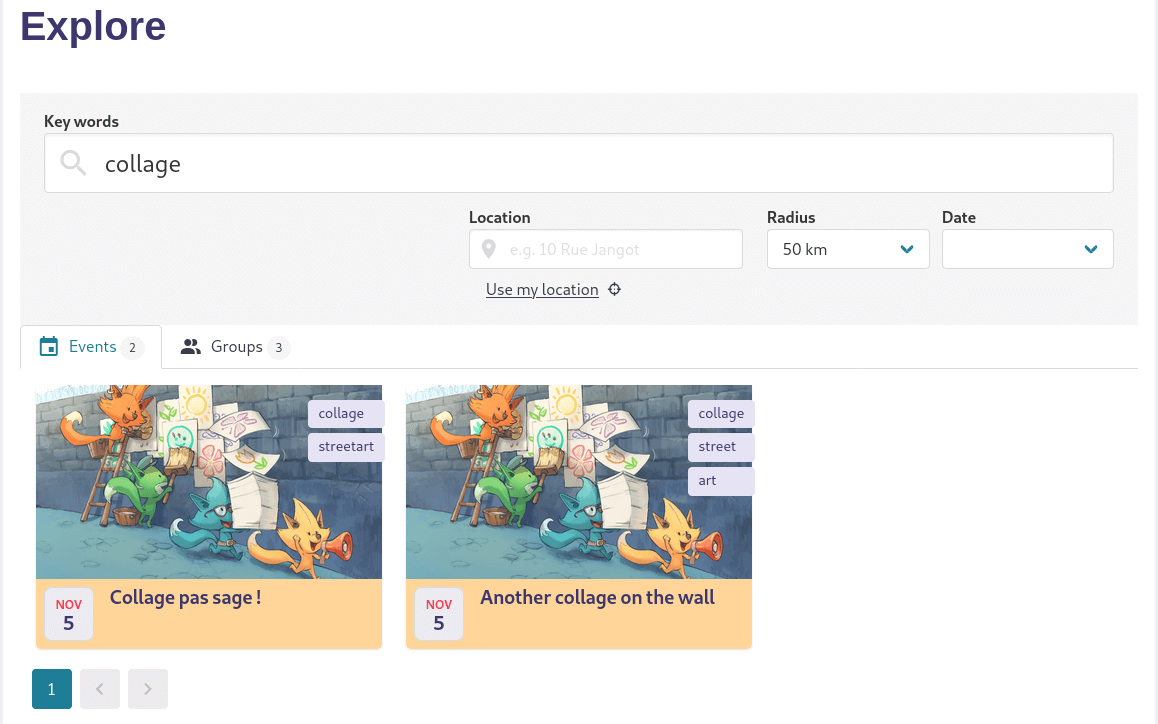
For instance, if you want to find a collage event you will enter collage:
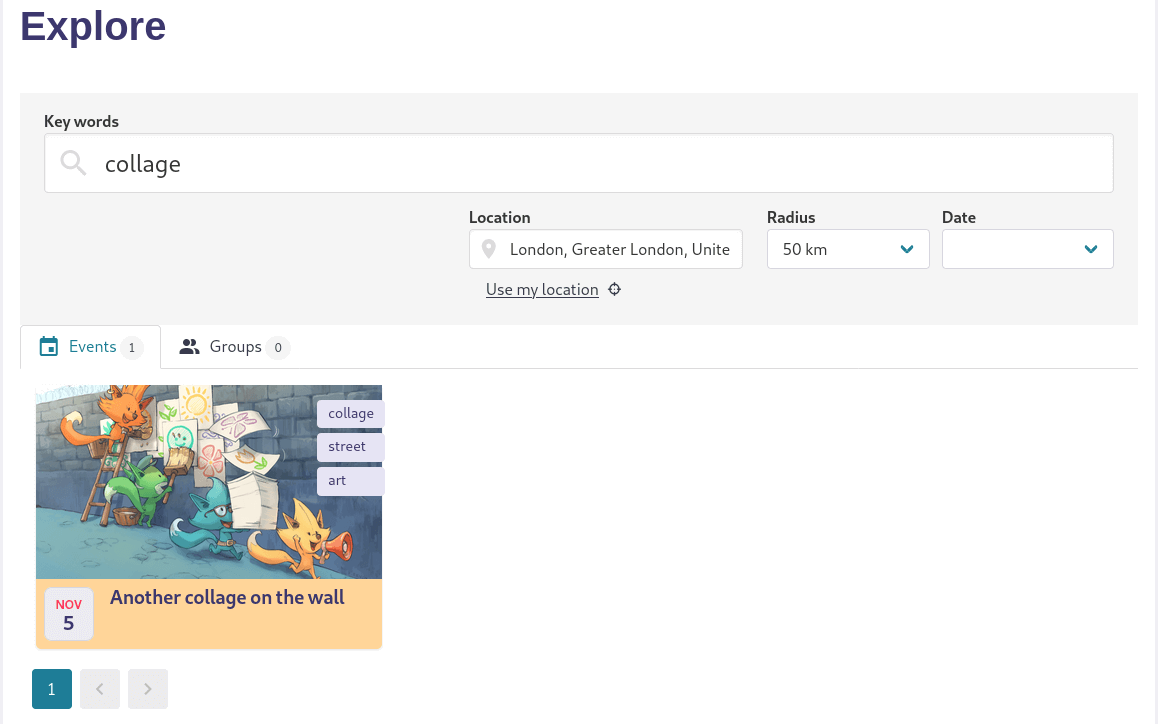
If you want to limit to London and surroundings:
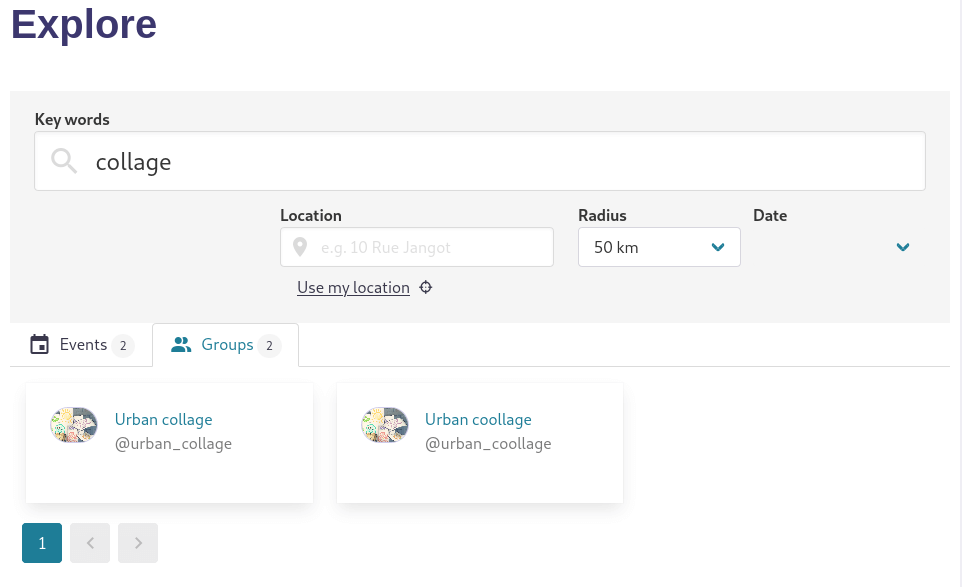
Or, to find a group, by clicking the Groups tab:
Last update: October 17, 2025